“Should I have a personal website?” is one of the highest-ROI questions in early career. The answer is almost always yes — even a basic one improves recruiter response rates, supports a serious LinkedIn presence, and gives you somewhere to send people instead of attachments.
Below is the exact no-code workflow I walk coaching clients through. It takes 2 hours start-to-finish if you have content ready, plus £10–£30/year for a domain.
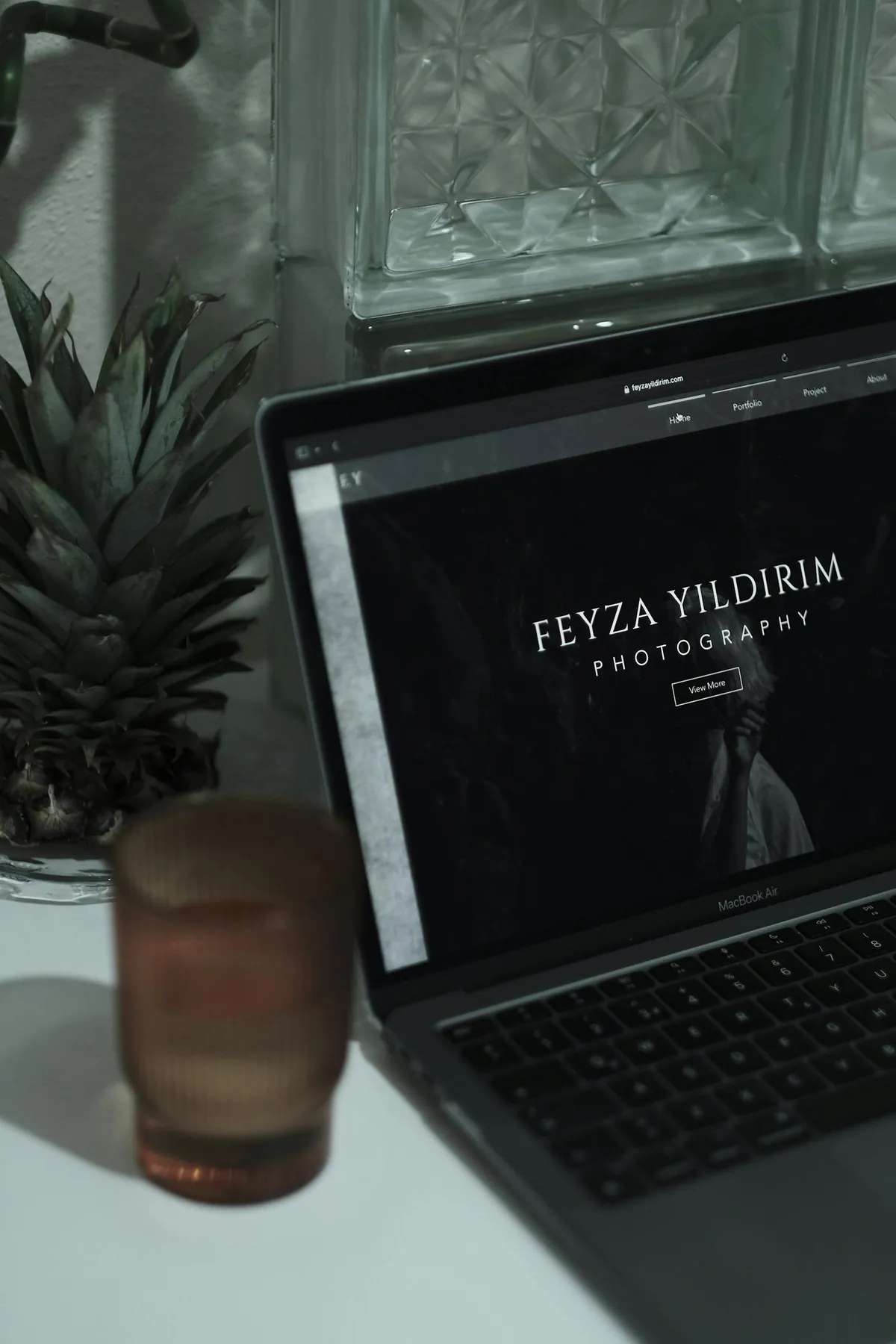
Why do I actually need a personal website in 2026?
Three concrete reasons:
- Recruiter search: About 70% of recruiters Google candidates before reaching out. A clean personal site nudges them toward conversation.
- Trust signal: A custom domain (yourname.com) carries more weight than a LinkedIn URL alone for senior roles.
- Control of narrative: Your site says what you want it to say — your LinkedIn is constrained by the platform.
The three no-code options worth using in 2026
Option 1 — Carrd (cheapest, simplest)
Cost: Free for basic; $19/year for Pro (custom domain, forms, more pages). Time to build: 30–60 minutes.
Carrd is a single-page website builder. For 80% of personal sites, a single page is more than enough. The templates are clean and modern. The interface is genuinely friendly to non-technical users. If you want a one-page “Hi, I’m Emma, here’s what I do, here’s my CV, here’s contact” site, Carrd is the answer.
Option 2 — Squarespace (most polished)
Cost: £12–£35/month depending on tier. Time to build: 2–4 hours including domain setup.
Squarespace looks expensive — and looks it on screen, in a good way. Best for creatives, consultants, and people who’ll genuinely use the blog and SEO features. Drag-and-drop editor. Built-in SSL, custom domain, analytics. The free trial gives you 14 days to build before paying.
Option 3 — Notion-as-site (free if you already use Notion)
Cost: Free with Notion personal; $10/month for Super.so or Potion.so to add custom domain. Time to build: 60–90 minutes.
If you already use Notion for everything, building your personal site as a Notion page and publishing it via Super.so or Potion.so is a fast, free-or-cheap option. Looks acceptable; lacks the polish of Squarespace.
What you need before you start (30 minutes prep)
- Your name + 1-sentence positioning (“Emma Chen — Career coach helping UK + US early-career professionals”)
- A clean professional photo (headshot, neutral background)
- 2–3 paragraphs about you (background, what you do, current focus)
- A CV PDF (one version of your latest CV)
- 3–5 work samples or projects (links or screenshots)
- Contact details (email + LinkedIn)
The actual 2-hour build (Carrd example)
Minutes 0–15: Buy the domain through Namecheap. yourname.com if available, yourname.co.uk if not. Total cost £8–£12/year. Don’t add the inflated extras like email hosting (use Google Workspace separately if needed).
Minutes 15–30: Sign up to Carrd, pick the “Profile” template. Replace placeholder content with your name, positioning sentence, headshot.
Minutes 30–75: Build the content sections. Suggested order:
- Hero: Name, positioning, headshot
- About: 2-paragraph bio in your own voice
- Work / Projects: 3–5 cards linking to relevant work
- Contact: Email + LinkedIn + Twitter/X if relevant
Minutes 75–105: Connect the custom domain. Carrd Pro lets you point your Namecheap domain via DNS records (Carrd provides exact instructions). Allow 1–24 hours for propagation.
Minutes 105–120: Polish — favicon, meta tags, basic SEO description. Check on mobile.

What to put on your homepage (and what to leave off)
Include:
- Clear positioning in one sentence
- A real photo (not an AI-generated one)
- What you do, who you help, what’s distinctive
- Links to your best 3–5 pieces of work or proof
- One way to contact you (email is enough)
Skip:
- Stock photography
- “Welcome to my website” header
- Long quote at the top
- Inspirational platitudes
- Auto-playing video
- Newsletter pop-ups (unless you actually run a newsletter)
Domain naming — what to actually buy
In order of preference:
- firstnamelastname.com
- firstnamelastname.co.uk (UK only)
- firstlast.com (if longer name)
- firstname-lastname.com
- firstnamelastname.dev / .design / .work — fine for technical roles
Avoid: hyphenated novelty domains, .io if you’re not a tech founder, anything with numbers, anything that requires explanation over the phone.
What about WordPress?
WordPress (the self-hosted version on Bluehost, Hostinger, etc.) is powerful but adds 5–10 hours of setup and ongoing maintenance. For a personal site you barely update, it’s overkill. Use WordPress only if you’re planning a serious blog with monetisation.
What about GitHub Pages?
Free, but requires comfort with Markdown and Git. Best for developers who want a deliberately “coder” aesthetic. Templates like Jekyll’s Minima or Hugo’s PaperMod look great with zero design effort.
Once it’s live
- Add it to your LinkedIn profile (the “Contact info” section)
- Add it to your email signature
- Add it to your CV header
- Set up Google Search Console (free) to monitor indexing
Related reading
To populate the site with your CV content, see how to write a UK CV in 2026. For complementary LinkedIn presence, how to optimise your LinkedIn profile. And once the site is live, how to network on LinkedIn covers how to drive traffic to it.
FAQ
Q: Does the website matter more than LinkedIn?
No — LinkedIn is where the network lives. The website is the trust signal and narrative-control layer.
Q: Do I need a blog?
Only if you’ll actually write. A blog with 2 posts from 2022 looks worse than no blog.
Q: Should I list my email or use a contact form?
List the email (use the Namecheap “forwarding” alias to keep your main inbox clean).
Q: HTTPS / SSL — do I need to set it up?
Carrd, Squarespace, and most modern builders include this automatically.
Q: How often should I update it?
Once or twice a year is enough for most personal sites — when your role, projects, or focus changes.
